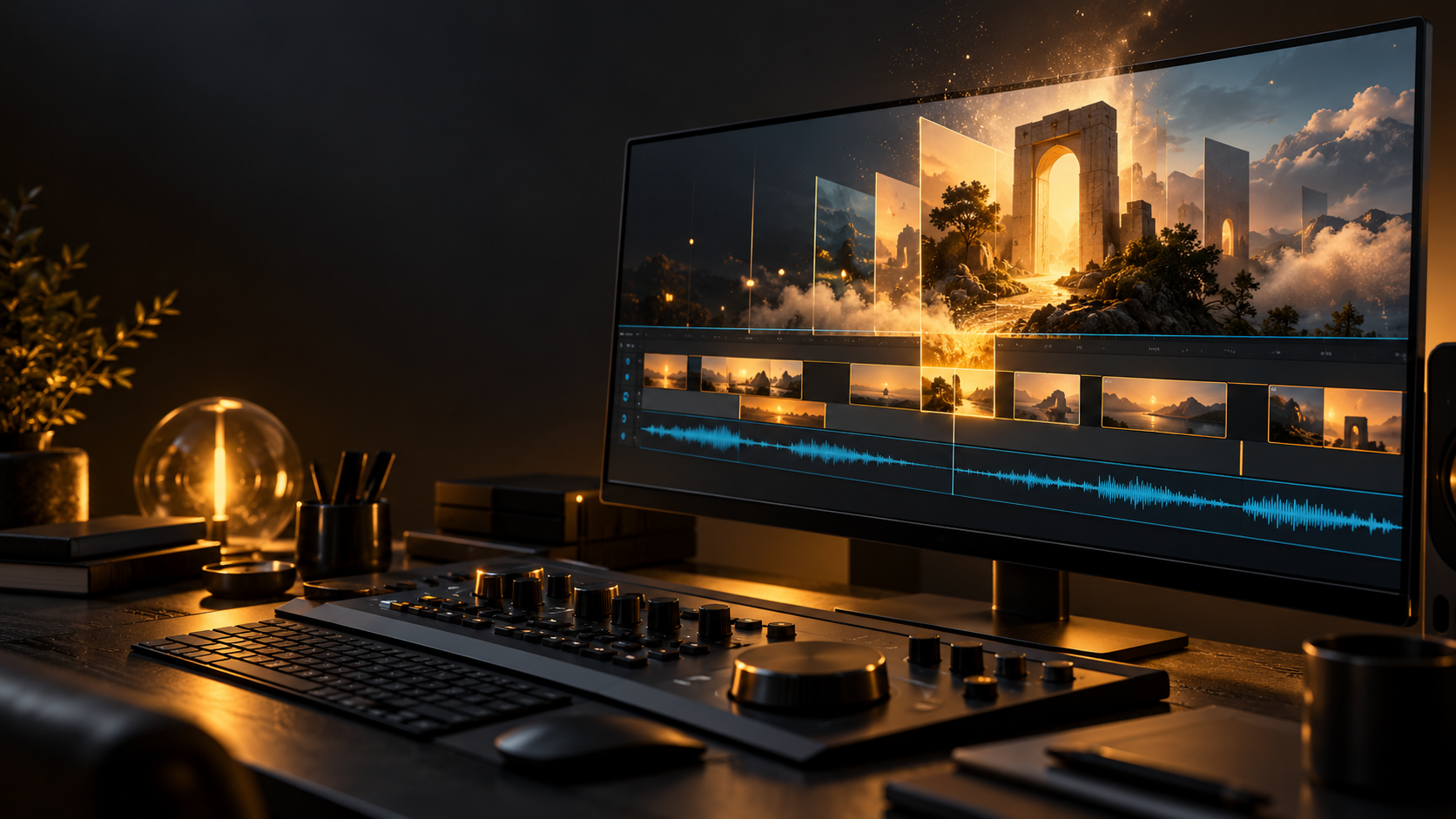
You can have a solid video and still spend too long looking for one small thing: a transition, a background shot, or a sound that makes the cut land. That is where a recent Adobe update gets interesting.
Premiere’s September 2026 release brought its Generative Media Tool into the editing timeline. You can describe a video clip or sound effect, generate it inside the project, and keep editing the result. Adobe announced the update on September 8, and it is worth a closer look for anyone making business promos, interviews, or social content. [1, 2]
The practical question is simple: where would that actually help?
What changed
Generating an AI clip used to often mean opening another tool, making something, downloading it, and bringing it back into the edit. Premiere now lets you select a range on the timeline and generate media there. You can use reference frames from your sequence to guide the look, then adjust the result as an editable clip. Adobe’s instructions also let you choose a supported model and review the estimated credit usage before generating. [3]
That could make experimenting less disruptive. The person editing still has to decide whether the new shot belongs in the story.
Three ways to put it to work
For a local business promotion, consider a short atmospheric background behind an announcement. Picture warm light moving across an abstract surface while the real logo and offer sit on top. Keep the actual product photos, prices, and business details accurate. The generated element adds a visual treatment without pretending to be the product itself.
For a video interview, think about an illustrated transition between topics. A conversation about the future of technology could use a clearly stylized visual rather than another generic stock clip. The interview and the person’s words remain the substance. Any visual should help the viewer understand the subject, not distract from it.
For a branded reel, sound effects are another possibility. A restrained impact under a title or a short atmospheric sound might help connect the picture and the pacing. These are examples of where I would consider testing the tools, not results I’m claiming from a finished client project.
Where I would draw the line
Event coverage depends on trust. If we are showing a screening, wedding, tournament, or community gathering, viewers should be able to trust that the moments presented as real actually happened.
I would not use generated footage to suggest a bigger crowd, a reaction someone never had, or an event moment the camera never captured. Stylized promotional artwork can have a place when its purpose is clear. Quietly passing invented scenes off as documentary footage is a different decision.
There is also the quality check. Watch generated material at normal speed and frame by frame. Look for strange motion, shifting objects, inconsistent lighting, and anything that changes what the viewer thinks they are seeing. A beautiful first frame does not guarantee a usable video.
What it costs and what to check
As checked October 27, Adobe lists the individual Premiere plan at US$22.99 per month on an annual plan billed monthly. That is an annual commitment, not a month-to-month price. [4]
Generating media also consumes credits. Adobe says the amount depends on the model and settings; availability can vary by subscription and region. Generation runs in the cloud and requires an internet connection. Check your actual plan, the model’s terms, and the displayed credit estimate before building a client quote around it. [5]
A useful budget includes the attempts you reject, not just the final clip. Before uploading client footage as a reference, make sure you have permission to use it that way. Adobe’s FAQ describes its data commitments, but that does not replace your agreement with the client. [5]
Start with one small test
Choose one low-stakes visual or sound in a short project. Set a limit on time and credits. Compare the generated option with footage you already have or an appropriately licensed asset. Then ask: does this genuinely make the video better?
That is the part worth paying attention to as AI develops. A useful tool should help us make clearer, more intentional work. The story, the judgment, and the final quality still need a person paying attention.
Source notes
[1] Adobe announcement, September 8, 2026
[2] Premiere September 2026 release notes